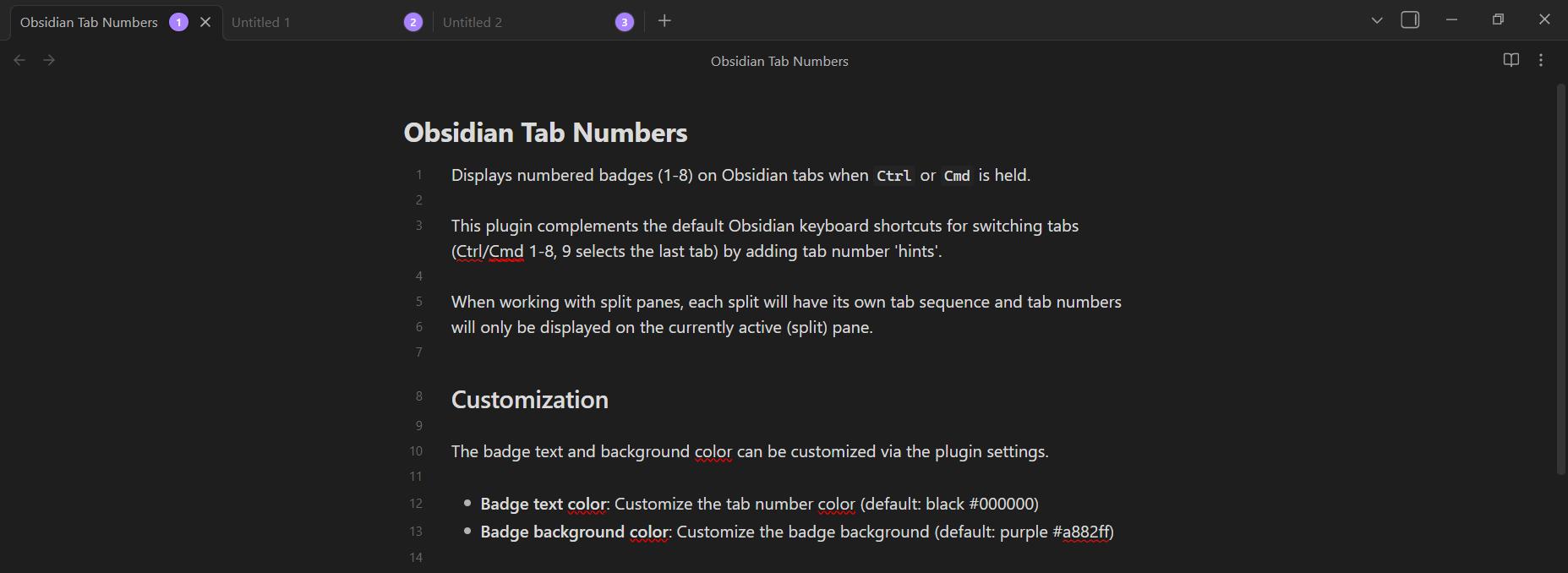
I wrote a simple Obsidian plugin complements the default Obsidian
keyboard shortcuts for switching tabs (Ctrl/Cmd 1-8, 9 selects the last tab)
by adding tab number hints.
This is similar to how I switch between browser tabs using the same keyboard shortcuts. I tend to have around ~5 tabs open at most so that I can see the title of the tab I’m switching to.
The tab number hints only show up when the Ctrl/Cmd key is held down and
the text and background colors can be customized via the plugin settings.
Check out the code on GitHub.
Installation
Manual installation is currently the only supported method but there is an open PR to add it to the plugin directory.
- Download the following files
main.js,manifest.json,styles.cssfrom the latest release on GitHub. - Copy the files to your Obsidian vault’s plugin directory
/path/to/your/vault/.obsidian/plugins/tab-numbers/. - Reload Obsidian by opening the Developer Console with
Ctrl/Cmd + Shift + Iand runningapp.commands.executeCommandById('app:reload')or restart Obsidian. - Navigate to
Settings -> Community pluginsand enable the “Tab Numbers” plugin.
Screenshots